
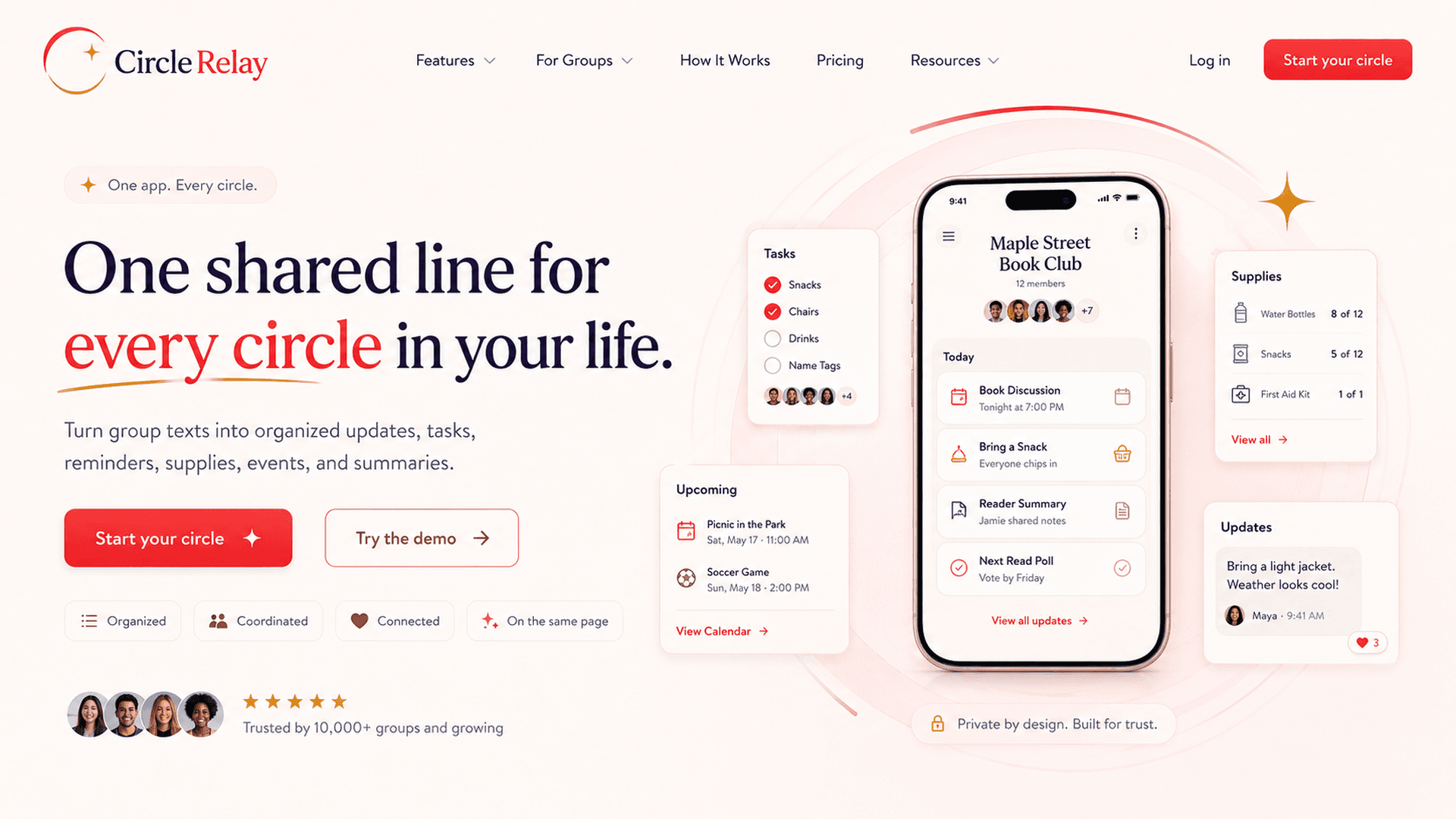
One shared line for every circle in your life.
Turn group texts into organized updates, tasks, reminders, supplies, events, and summaries.
Care Mode keeps the existing caregiving safety boundary. Broader modes use non-medical coordination language.
CircleRelay
Shared line inbox
Groceries: add fruit and snacks for Friday.
Practice moved to Field 2 at 6:30.
Bill reminder: internet due Thursday.
Organized summary
3 updates routed into tasks, reminders, and events.
Start with the circle you need today.
CircleRelay keeps one shared-line pattern and adapts the dashboard language to the group you are coordinating.
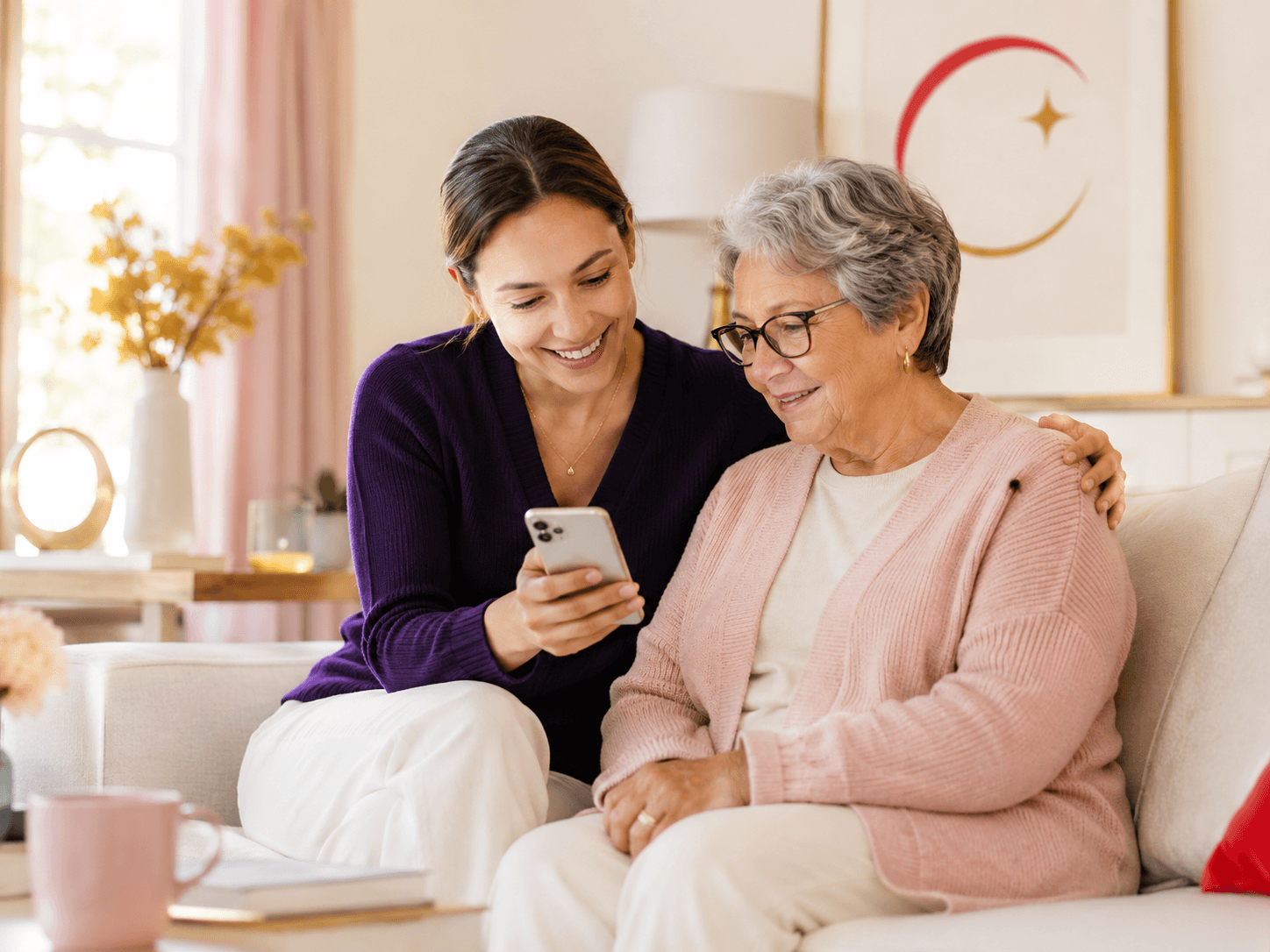
Care Mode
Coordinate care updates, appointments, supplies, medication confirmations, concerns, and daily summaries.
Family list
One place for the moving pieces.
Family Mode
Keep chores, groceries, school notes, errands, appointments, and reminders in one shared place.

Household Mode
Organize roommates, dorms, supplies, bills, maintenance, chores, and house updates.

Team Mode
Coordinate practices, games, rides, equipment, volunteers, reminders, and announcements.

Group Mode
Plan trips, clubs, events, decisions, and shared responsibilities without losing everything in the chat.
The group chat is where updates happen. It is also where updates disappear.
CircleRelay keeps the familiar texting habit, then turns scattered updates into calm, shared structure.
Was that done?
CircleRelay gives the circle one shared place to check.
Who is going?
CircleRelay gives the circle one shared place to check.
What is needed?
CircleRelay gives the circle one shared place to check.
Should we review this?
CircleRelay gives the circle one shared place to check.
Text normally. CircleRelay handles the organization.
Members keep using SMS. CircleRelay recognizes the sender, routes the update to the right circle, and turns the message into an organized dashboard item.
01
Text arrives
A member texts the shared line.
02
Phone recognized
The sender phone number is matched.
03
Circle matched
A keyword is used only when needed.
04
Dashboard updated
The right record appears for the circle.
One line for everyone, with simple routing behind the scenes.
Everyone texts the same CircleRelay line. CircleRelay knows where the message belongs based on the phone numbers linked to each circle. If someone helps with more than one circle, they can add a simple keyword like GRANDMA, HOUSE, or TEAM before the message.
Meds: Grandma took her night pills at 8pm.
Need: low on wipes and milk.
GRANDMA Appointment: therapy Tuesday at 2pm.
Text arrives
Phone recognized
Circle matched
Dashboard updated
A practical command center for family caregiving coordination.
CircleRelay Care Mode organizes the everyday family-reported updates that usually get scattered across calls and group texts.
Notes
Small updates that keep everyone oriented.
Medication confirmations
Family-reported logs for organization only.
Appointments
Upcoming visits and transportation details.
Tasks
Who is handling what and what is still open.
Groceries and supplies
Needed, purchased, and delivered items.
Concerns
Calm flags for family review.
Daily summaries
A factual recap of what the family reported.
A calm recap when the day has too many moving parts.
CircleRelay summarizes reported updates into factual notes, open items, upcoming appointments, supply needs, events, and concerns for review.
Tonight at 7:00
Today: 4 updates, 1 open task, 2 supply needs, no open concerns.
Based only on reported updates. CircleRelay Care Mode does not provide medical advice.
Simple plans for circles.
Start in demo mode. If Stripe is configured, checkout can create a live subscription.
Free
$0
per month
- 1 circle
- Up to 2 members
- Shared SMS update feed
- Basic dashboard
Starter
$5
per month
- 1 circle
- Up to 3 members
- Shared SMS update feed
- Daily summary
Family
$10
per month
- 1 circle
- Up to 8 members
- Daily and weekly summaries
- Mode-aware dashboard categories
Family Plus
$20
per month
- Multiple circles
- Larger teams, groups, and households
- Exports
- Future dedicated number option
Clear answers for stressed families.
Does everyone need an app?
No. Members can text the shared CircleRelay line from their own phones.
How does CircleRelay know where a message belongs?
It matches the sender phone number to the right circle. Helpers in multiple circles can start with a keyword like GRANDMA, HOUSE, or TEAM.
Is Care Mode for emergencies?
No. CircleRelay Care Mode is for family coordination only. In an emergency, call 911 or your local emergency number.
One shared line. One calmer place to see what happened.
Try the demo in under a minute, then start your circle when you are ready.
CircleRelay Care Mode is for family coordination only.
It is not a medical provider and does not provide medical advice, diagnosis, treatment, medication dosage recommendations, monitoring, or emergency services.
In an emergency, call 911 or your local emergency number.